


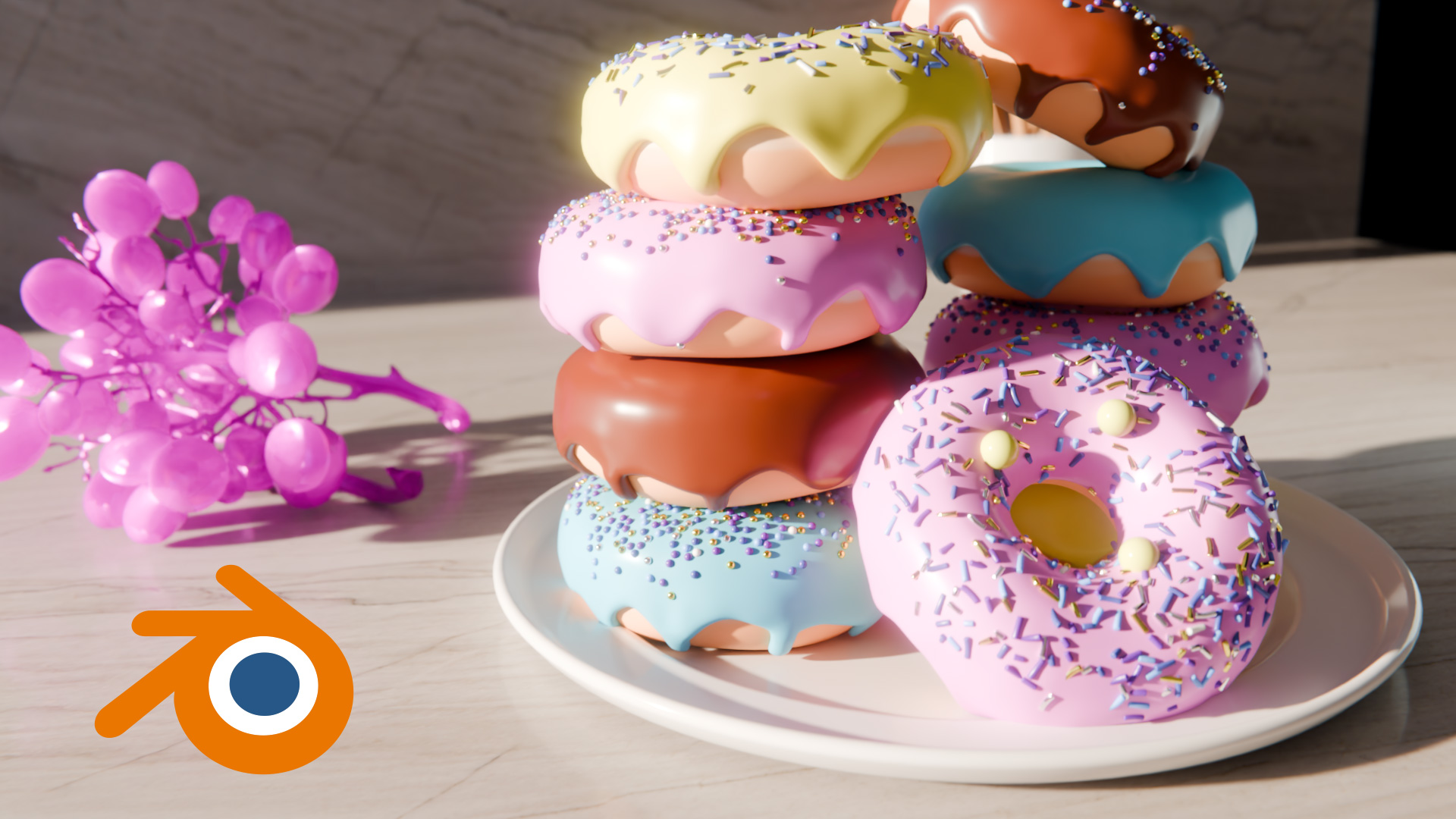
3d software is expensive and if you use it only occasionally the costs can add up. Blender offers a real alternative to paid software and is completely free.
Free software can sometimes come with limited features and support but Blender is different. It has a thriving 3d community with extensive features, supporting the entire 3d pipeline from modelling to visual effects.
Blender can be used to create full animated films, ready for the movie theatre at a fraction of the cost that it would cost Pixar to produce theirs.
The recent Oscar-winning animated film Flow (2024) was made entirely in Blender, while the Netflix film Next Gen (2018) was also almost 100% created in Blender.
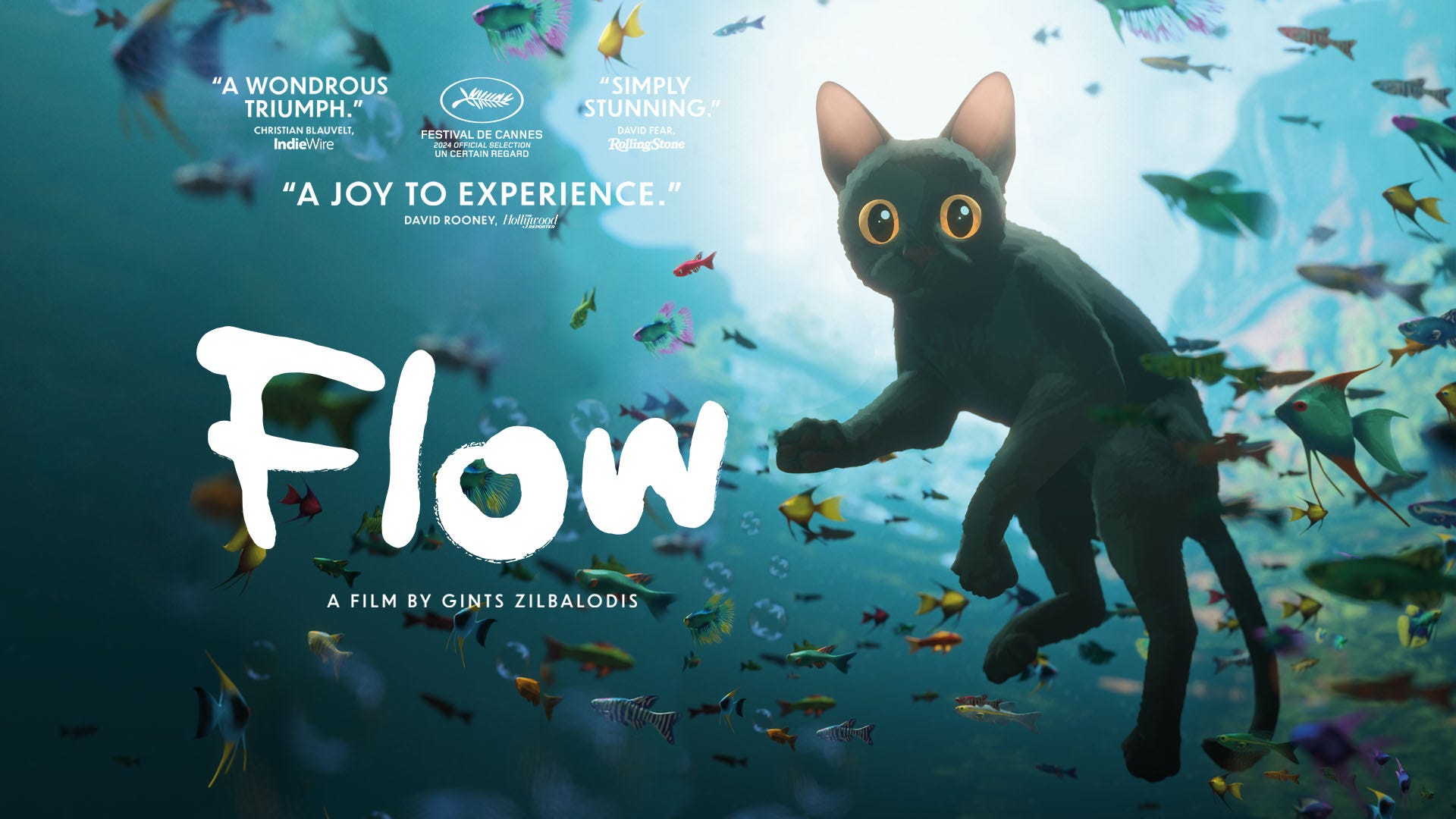
Flow (2024) made entirely in Blender
At PixelDojo we use 3d to bring animations to life from particle effects like falling confetti and text animations to more complicated Deepscreen formats for digital out of home and desktop advertising.
It's simple to get started in Blender. Let's take the Blender logo and turn it into 3d then add some animation.
.jpg)
Blender logo as a static 3d render
One of the first things you can do in Blender is to import an SVG from illustrator, extrude it, add shiny materials and lighting.
Both the Cycles and EEVEE renderers are fast and powerful and can render animations in a matter of seconds.
Blender logo animated in EEVEE renderer
You can use basic shapes to model in blender. Create a cube and scale it, extruding sides to create the desired outcome.

Book icon created with basic shapes
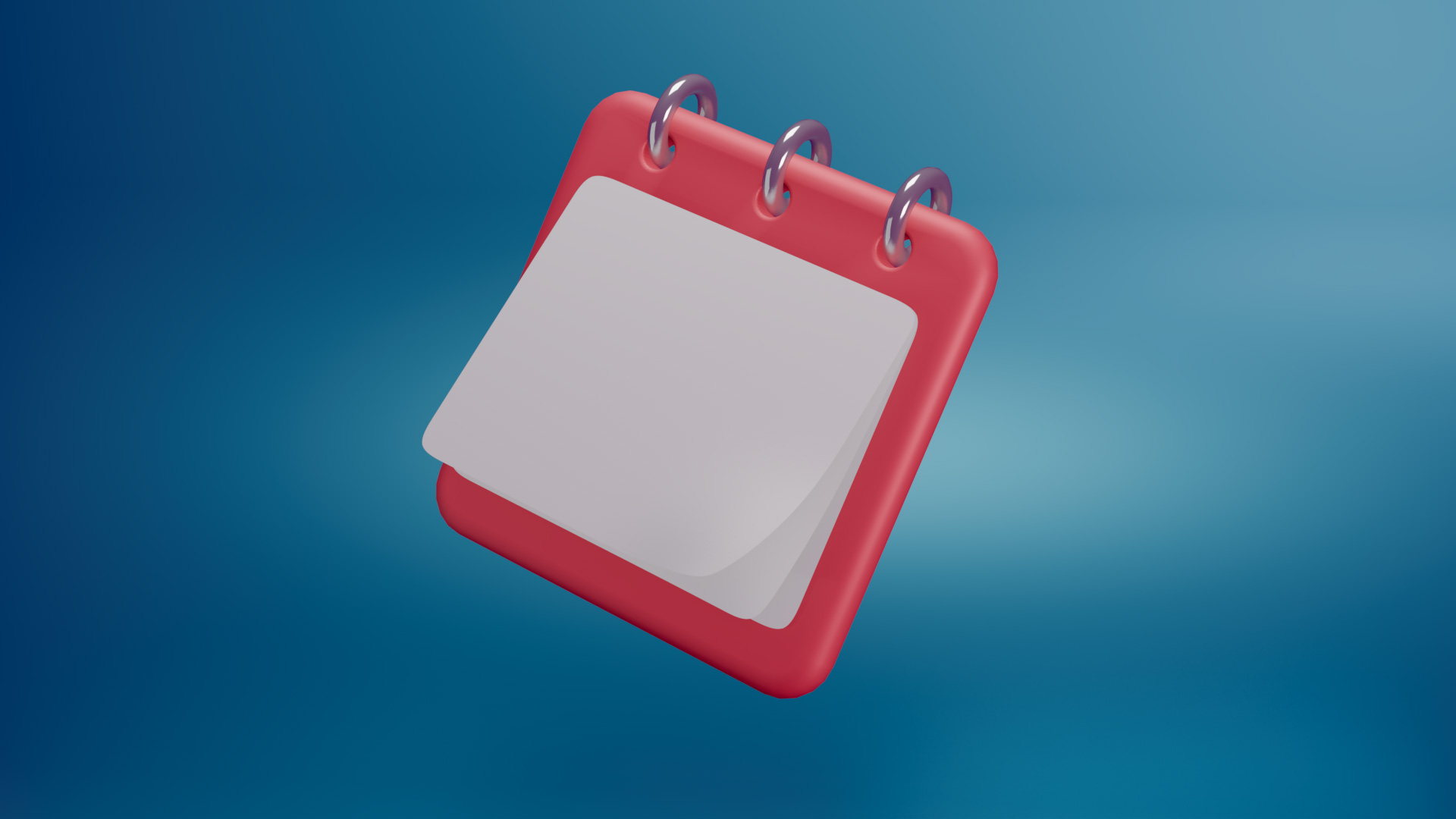
Calendar icon
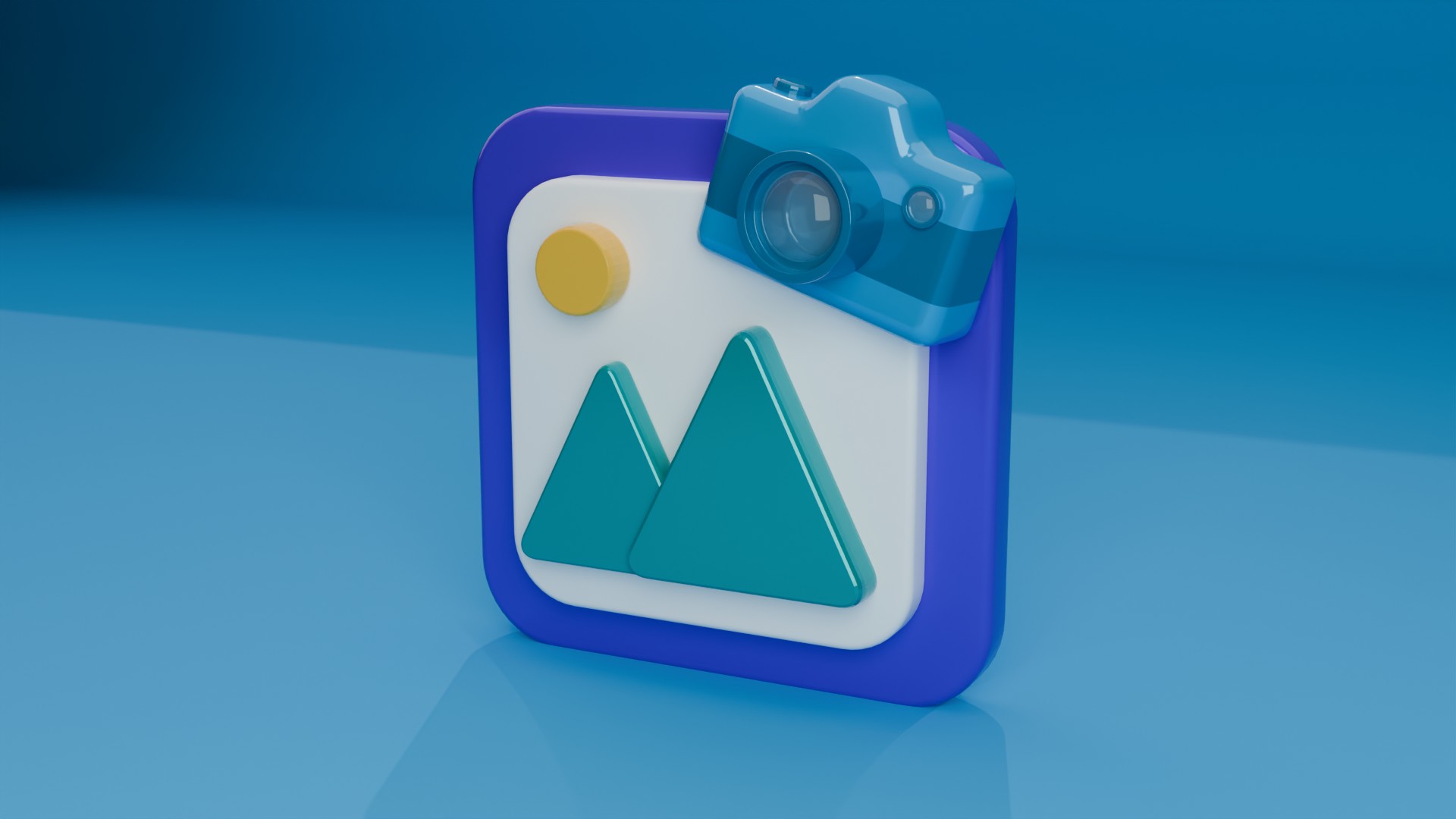
Photo and camera icon

Phone icon
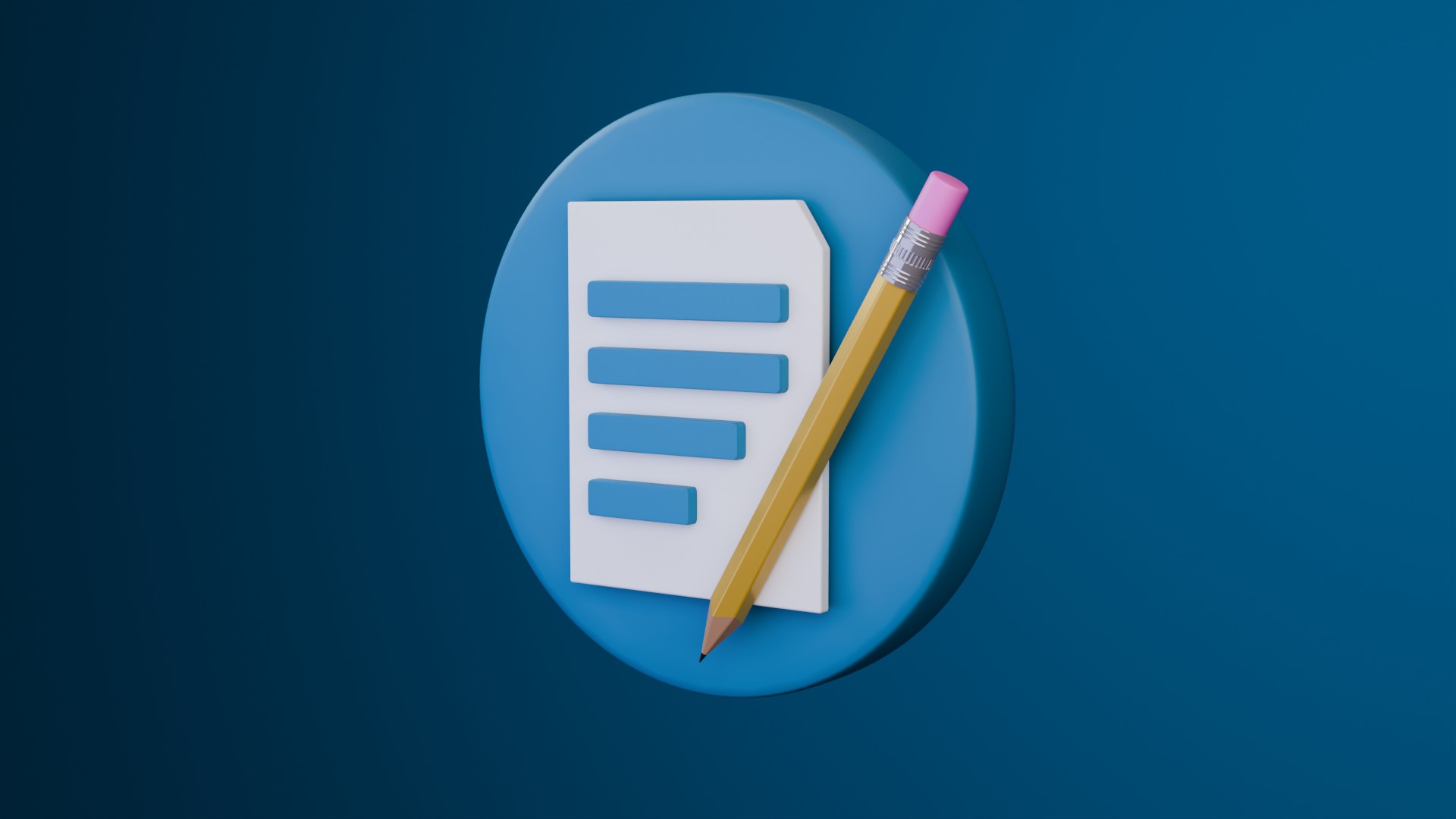
Pencil icon
Materials are also simple to add to colour objects and add gradients. Surface textures can also be added to make objects look more realistic and lifelike as shown in the following render of the pencil and the leather spine of the notebook.
By strategically adding lights you can really help sell the realism of the final render.
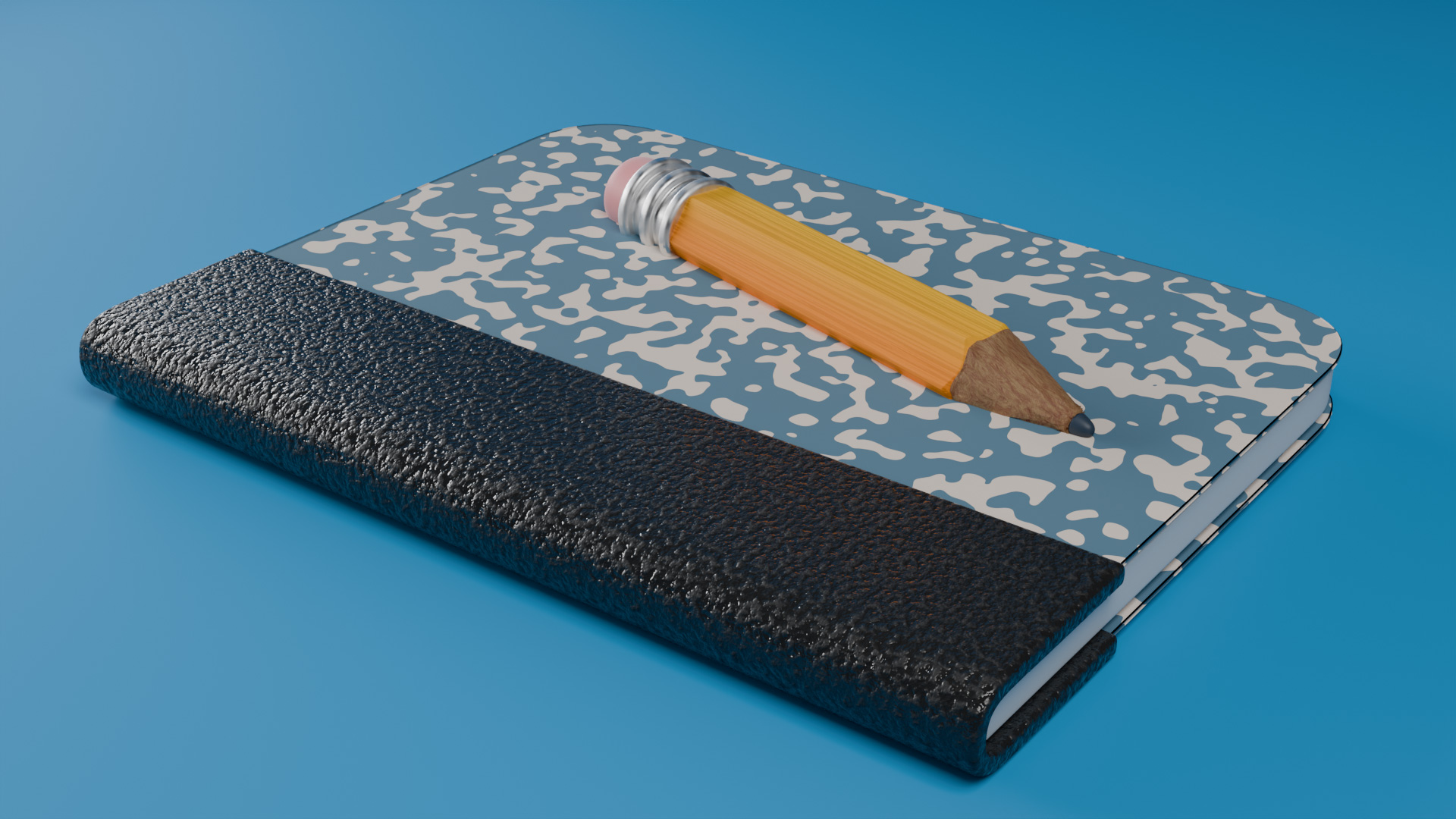
Textures make objects look and feel more lifelike
Making more complex materials such as wood, metal, glass and ceramics can be done using Blender's more complex node system as you can see in the following kitchen image*.
This render makes use of a light gobo to bring personality and mood to the scene. Depth of field has also been added to bring the user's attention to the knife which is in sharp focus whilst subtly blurring out other objects.
*Kitchen render from School of Motion's 'Blender for 3d Artist' course, which I highly recommend!
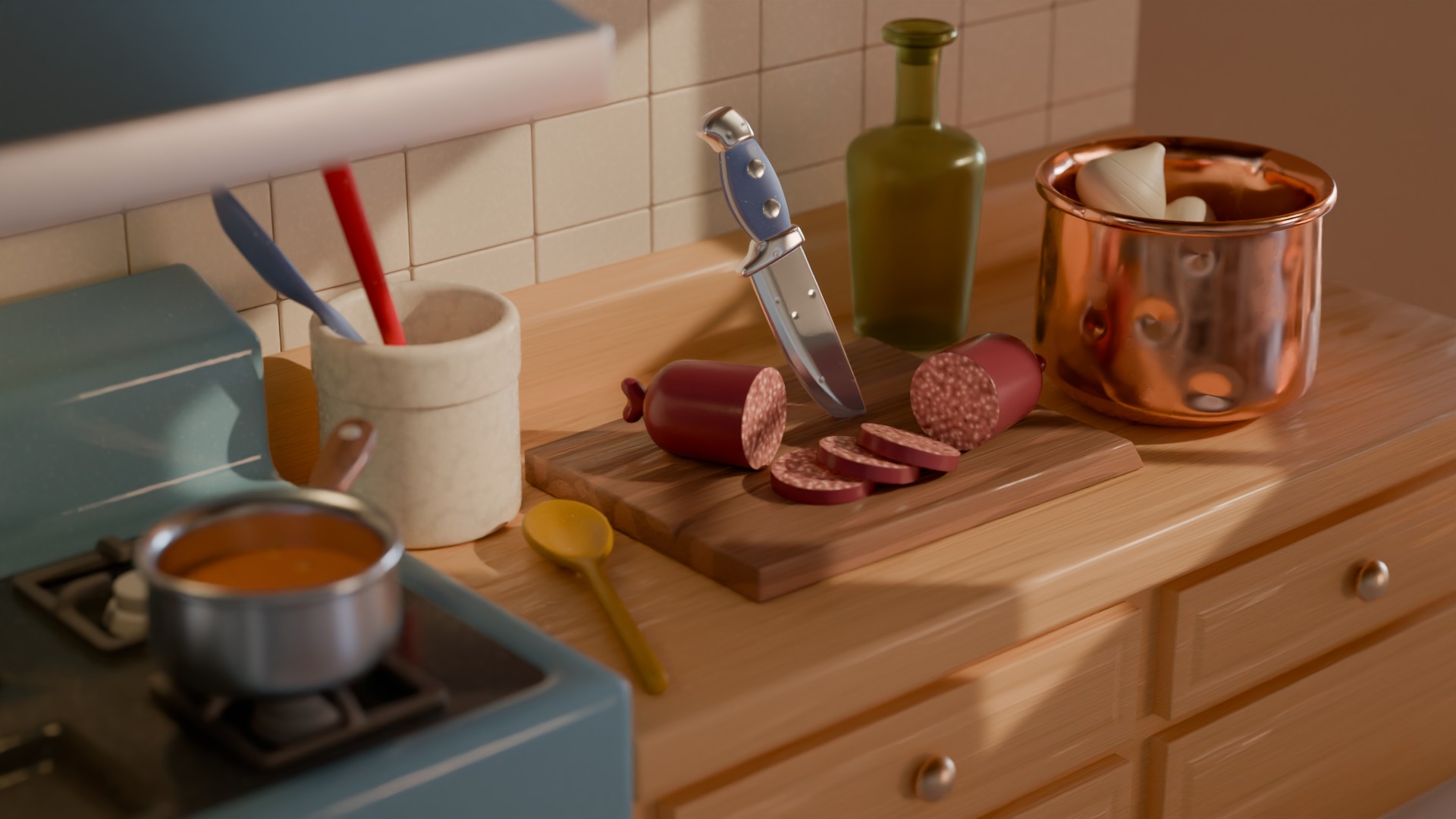
Harness Blender's node system to create stylized materials such as wood, metal, glass and ceramics
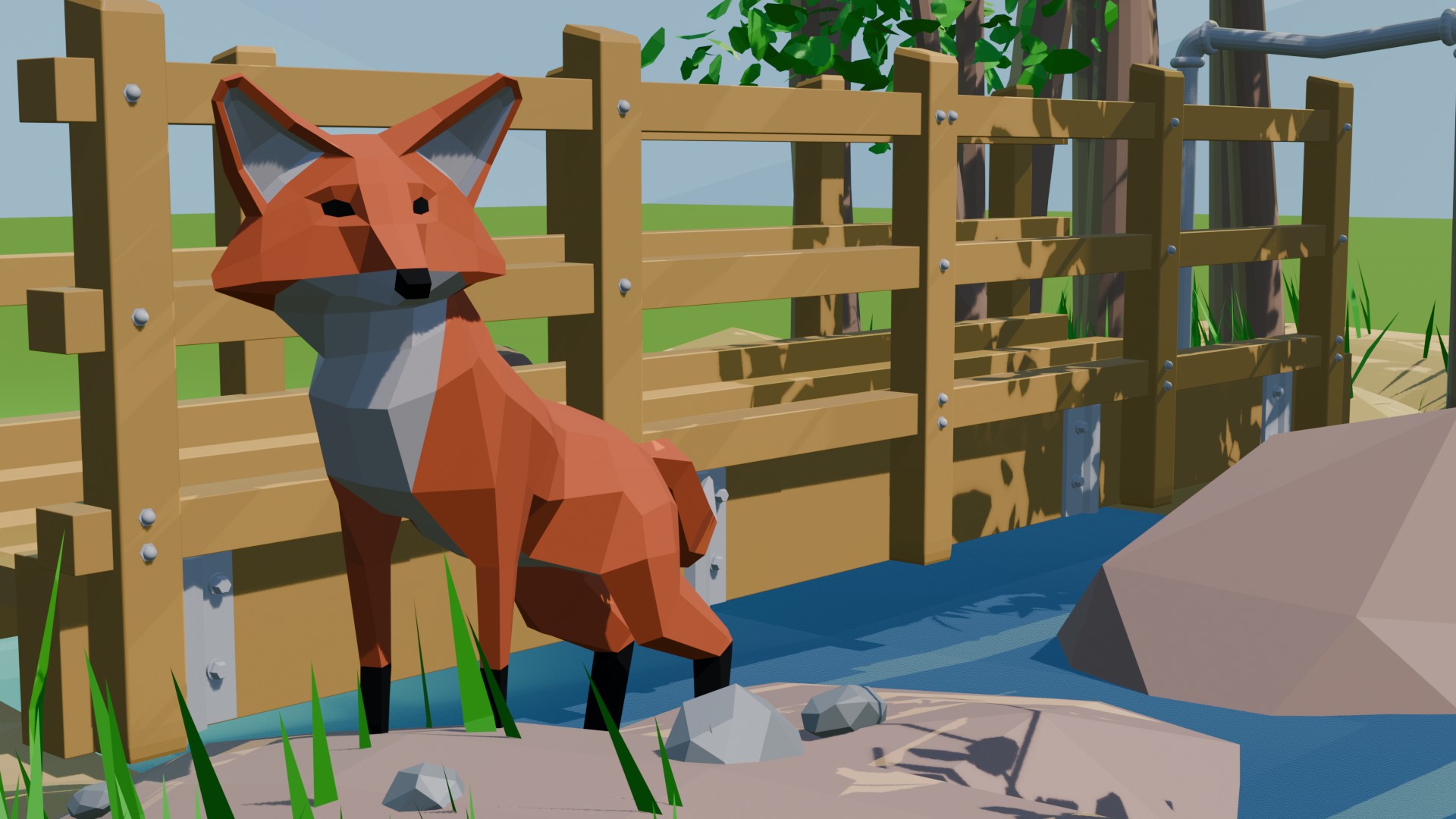
My favourite place: River Miram Welwyn Garden City
Low poly art is a 3D style that uses a minimal number of polygons (triangles or squares) to create minimalist, geometric, and non-photorealistic images or models.
Take my favourite place for example which uses low poly techniques to model wildlife, trees, rocks, water and plants.
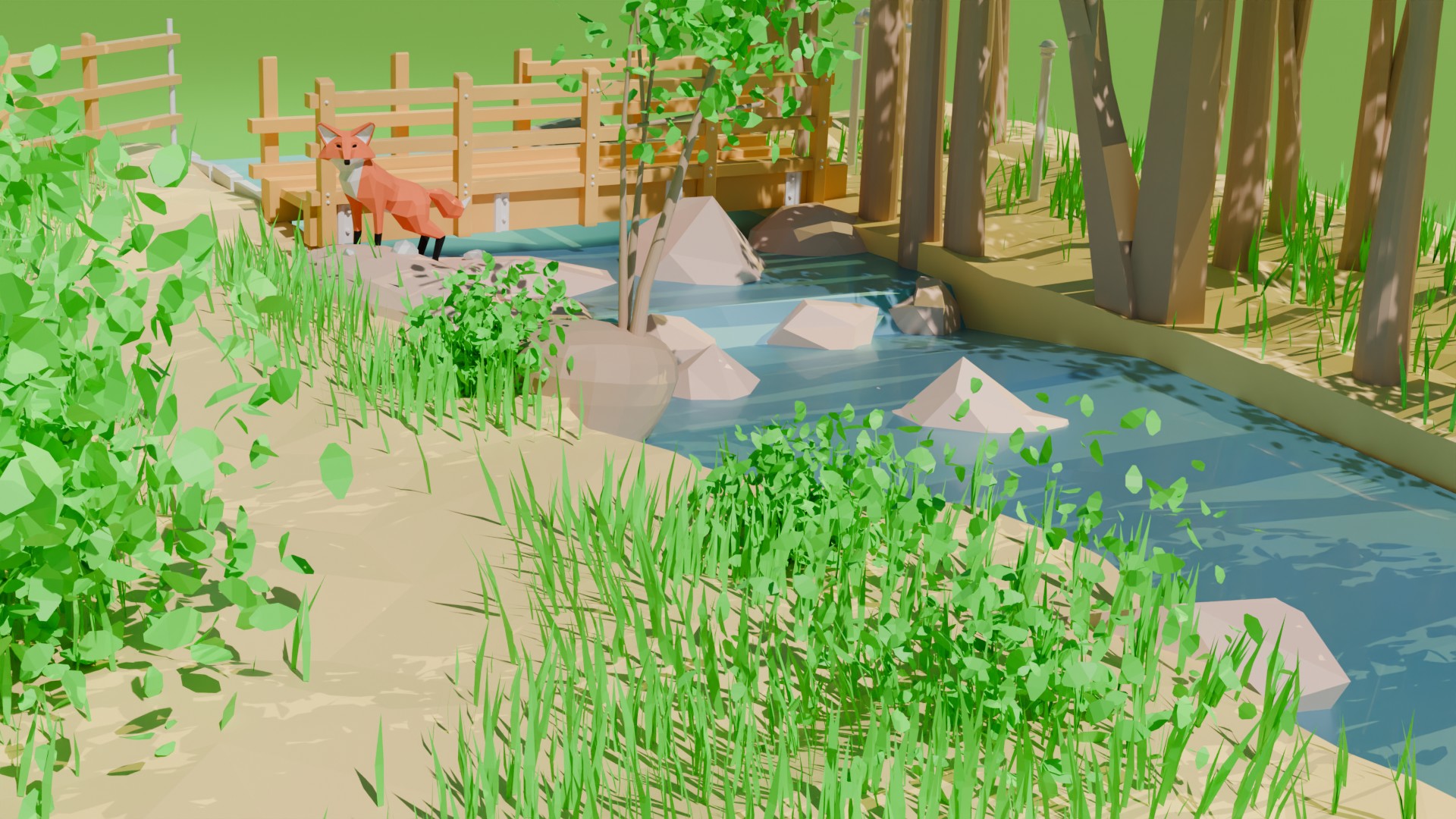
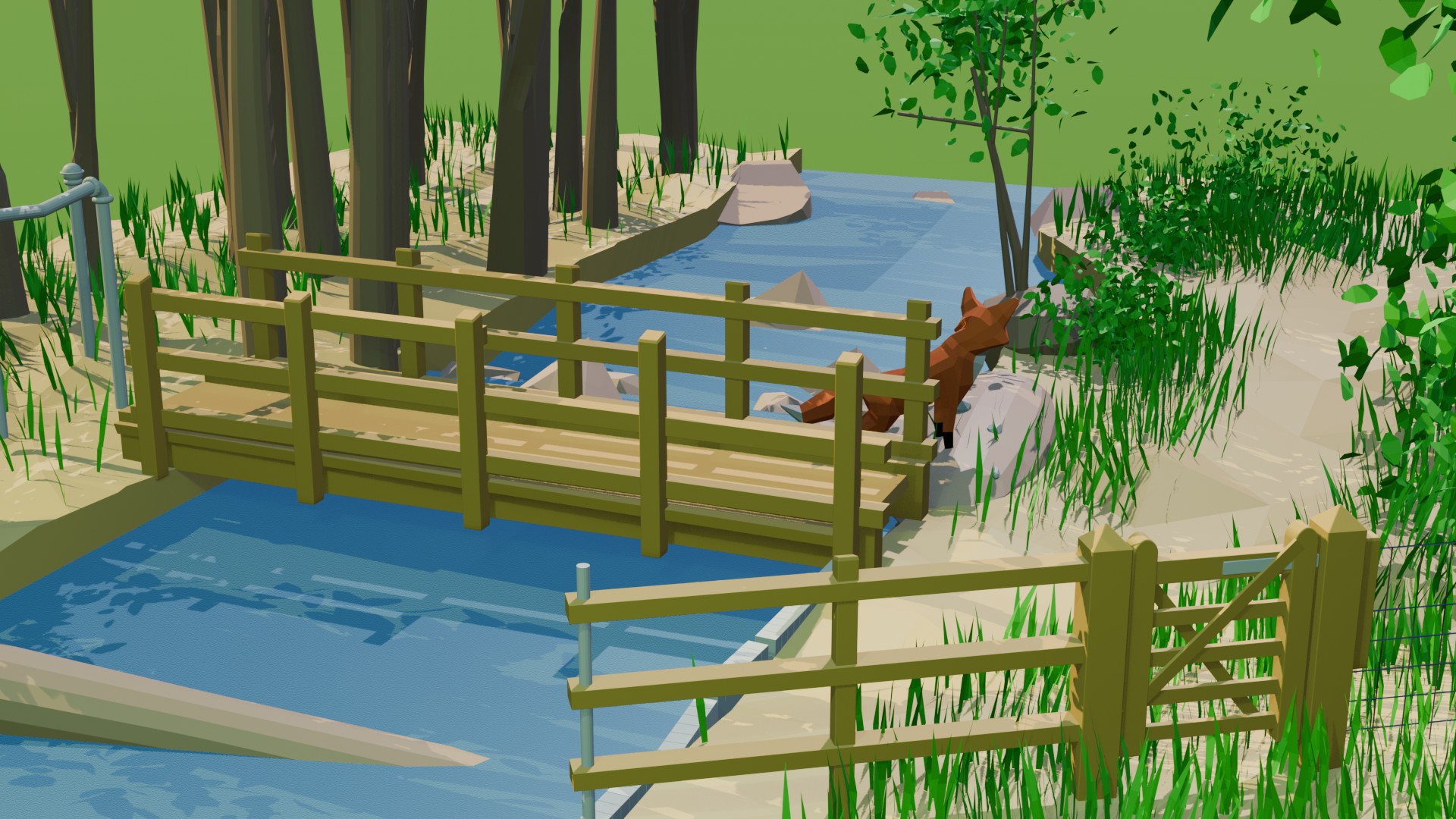
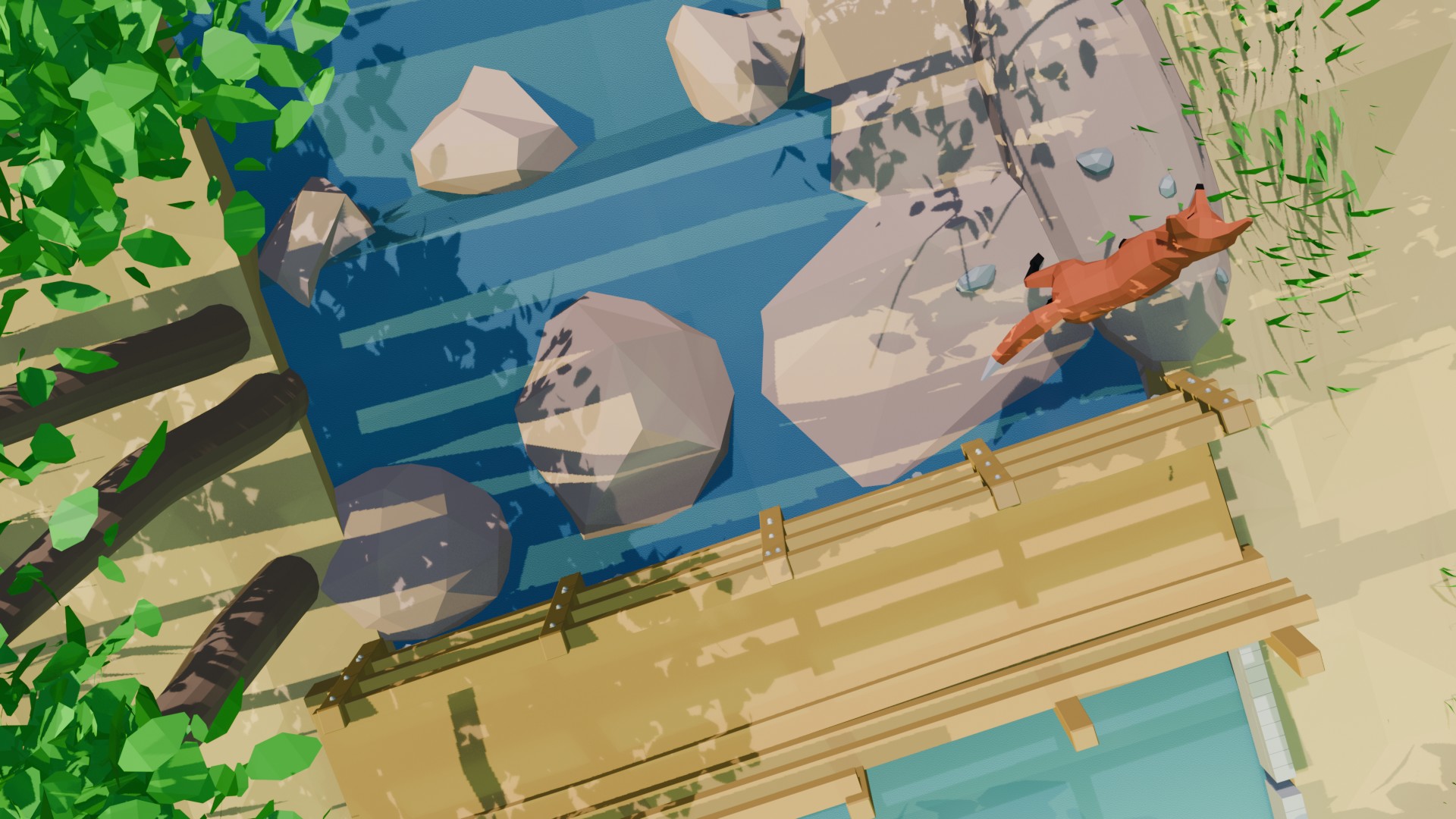
My Favourite place animated
Blender's EEVEE renderer is extremely quick and can render a large number of frames in a matter of minutes. Although not as photorealistic as Blender's Cycles renderer EEVEE provides instant visual feedback, making it ideal for fast previews, stylized projects, and motion graphics.
This post only touches the surface in terms of what Blender can do. Find out more at Blender.org

DO YOU HAVE A PROJECT WE CAN HELP YOU WITH?
Need a consultation? We can advise
Whatever your business needs, we’ll create a great looking website that works for you.


